{{m.name}}
{{m.osLine}}
{{m.tag}}
{{m.formsLabel}}
Minecraft Bedrock Add-On Guide
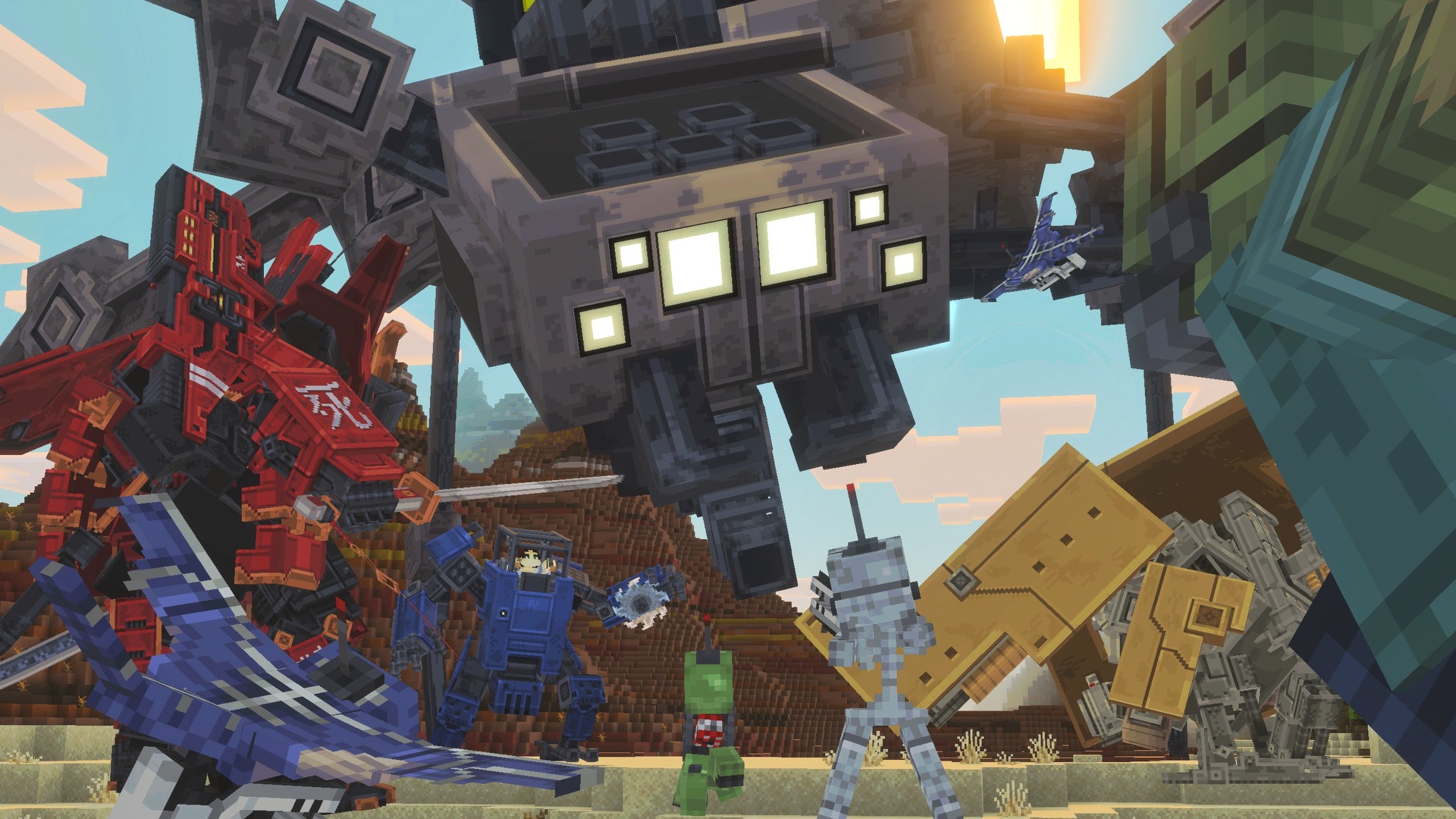
Mine Titanium, craft parts, build the Assembler, and pilot one of six powerful mechs.
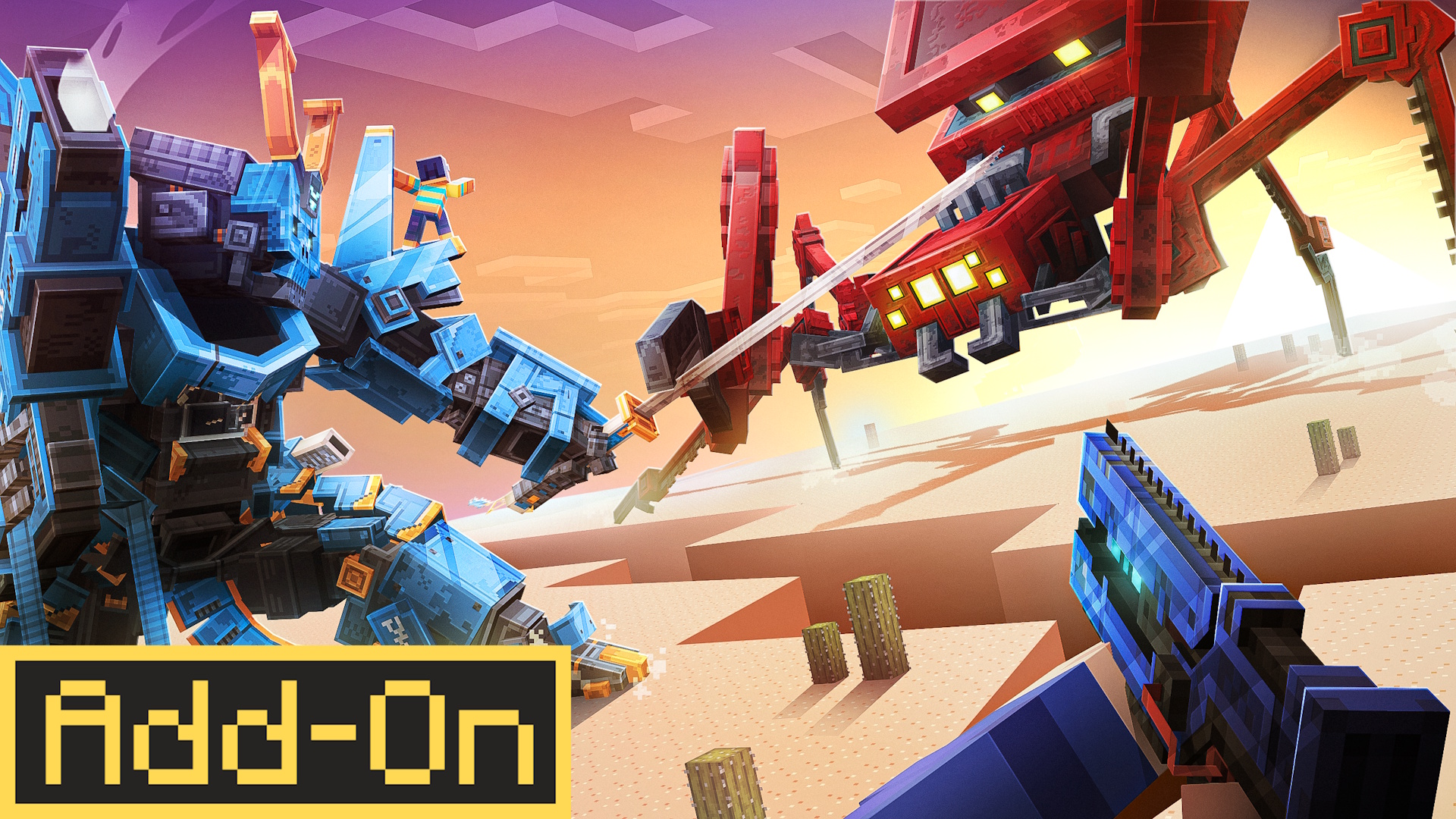
MECHS adds five blueprint-built machines, the repairable Arachnid boss, mechanized mobs, weapons, armor, crafting machines, and operator-controlled world settings.
The add-on works in Minecraft Bedrock worlds, servers, and Realms.
SECTIONS
{{q.a}}
Build five mechs from blueprints. To get the sixth, defeat and repair the Arachnid boss. Every mech has cargo space and different combat forms.
{{m.osLine}}
{{m.tag}}
Follow these steps from Titanium Ore to your first mech. The Guide-Pad also shows this path in the game.
{{s.desc}}
{{s.meta}}
Interact with a parked mech and choose Ride. The action bar shows your controls, cooldowns, heat, and charge.
WHAT THE MECH TELLS YOU
{{h.label}}: {{h.text}}
Damaged: use a Titanium Ingot for +10 HP. Use a Titanium Repair Kit for full health.
Broken: at 0 HP, the mech becomes a wreck. It is not deleted. Open the Broken Mech menu. Choose Repair Mech to rebuild it with its cargo, or Break Mech to take the parts. Operators can also use Creative Repair or Immortal Mechs.
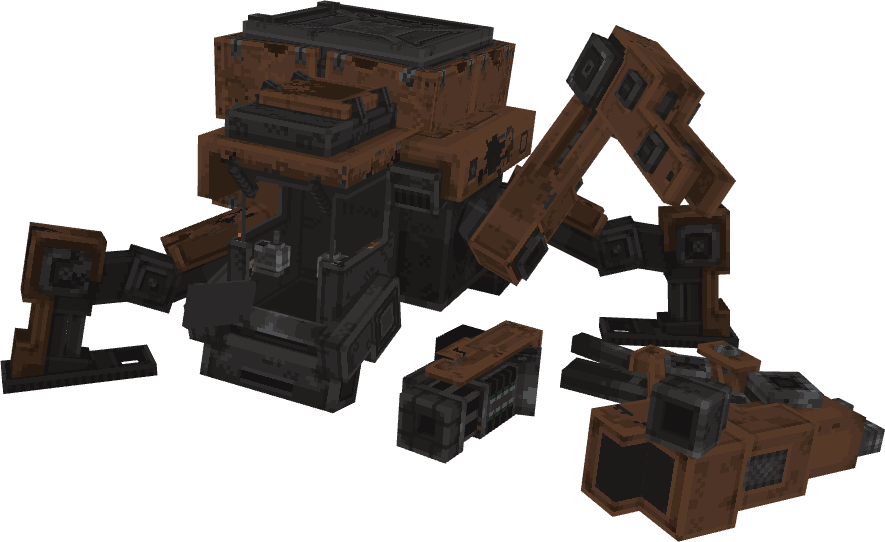


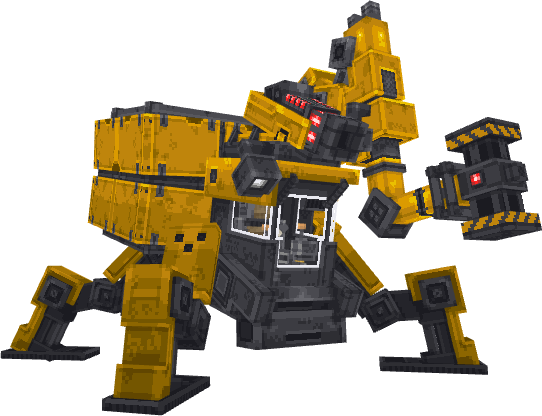
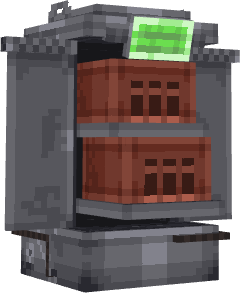
Start at a crafting table. Craft parts with the 3D Crafter. Then use the Assembler to build a mech.
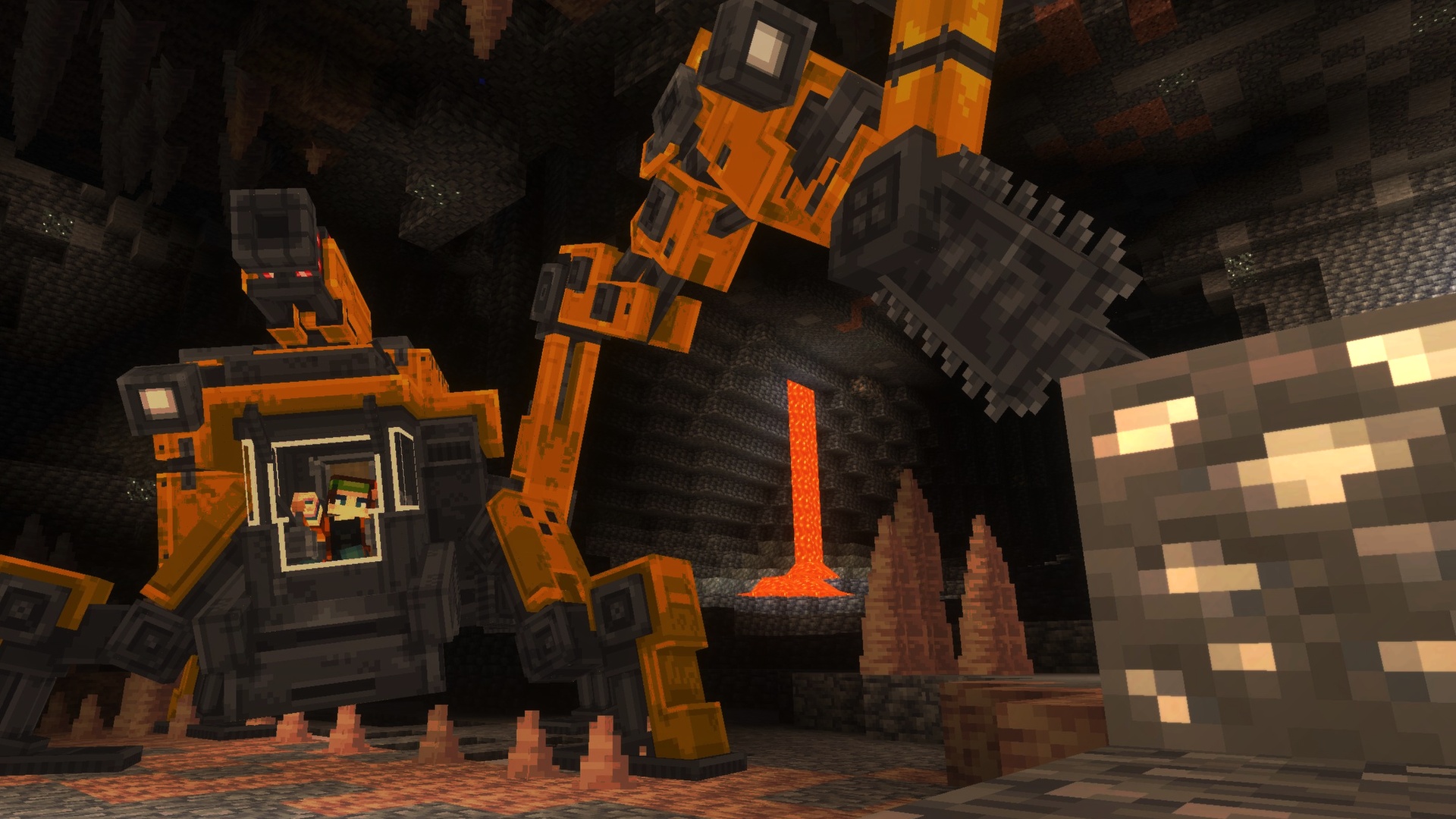
Titanium Ore generates in small veins of up to five blocks between Y −24 and Y 24, replacing stone and deepslate. It is most common around Y 0. Mine it with an iron pickaxe or better. Each ore drops 1–4 Raw Titanium. Smelt it into ingots. Mechanized Mobs can also drop ingots.
9 INGOTS ↔ 1 TITANIUM BLOCK · 9 RAW ↔ 1 RAW TITANIUM BLOCK · BOTH REVERSIBLE AT A CRAFTING TABLE
Make these important items before using the mech machines.
| Item | Station | Recipe | What it does |
|---|---|---|---|
| {{r.name}} | {{r.station}} | {{r.recipe}} | {{r.note}} |
Place it on solid ground with a clear 3×3×3 area. It marks any blocks in the way. Open the catalog, choose a recipe, and wait 0.6–2 seconds.

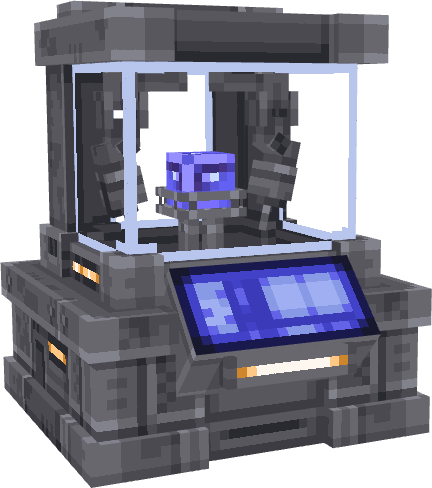
You need these for mech and Assembler parts. Make Red Microchips early, or get them from Mechanized Mobs.
| Part | Yield | Ingredients |
|---|---|---|
| {{r.name}} | {{r.out}} | {{r.ing}} |
THE BIG MACHINE
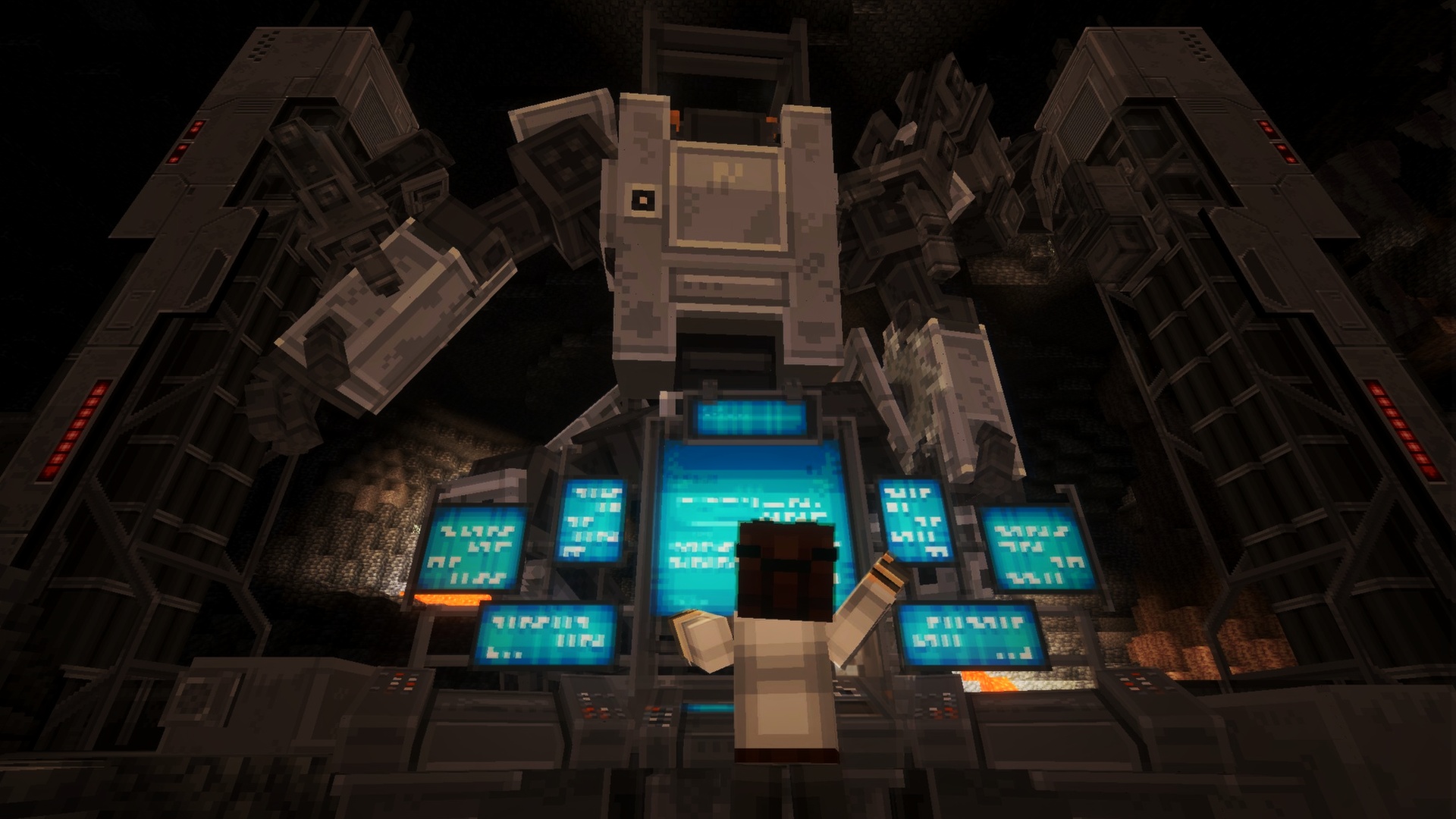
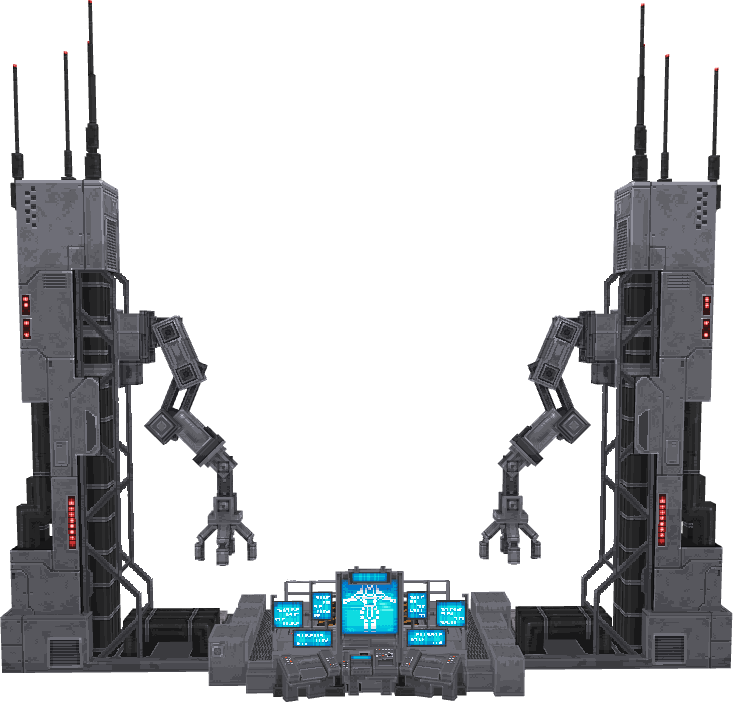
Craft four part types. Place six pieces in this order: platform, monitor, two towers, and two arms. Build on wide, flat ground. Blocks in the way will turn red.
CLICK · FULL BUILD SEQUENCE →
| Step | Part | Ingredients |
|---|---|---|
| {{r.step}} | {{r.name}} | {{r.ing}} |
CRAFT THE TOWER AND THE ARM TWICE. THE STRUCTURE USES TWO OF EACH.
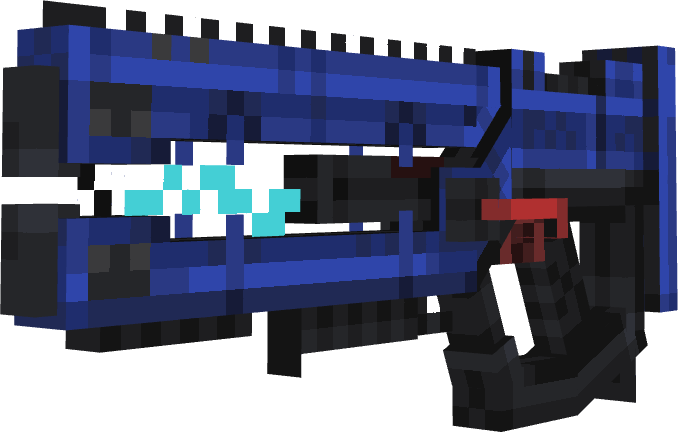
Use this energy weapon outside a mech. Tap for a quick shot. Hold for a stronger blast. It uses heat and energy. Swing it to load Energy Cells from your inventory.

The four armor pieces come in six colors and can be enchanted. Wear the full set for Night Vision, Water Breathing, and Speed I–IV while moving.
Throw a Supply Drop Flare. After a countdown, a capsule lands and can hurt you. It has 27 slots and 4–7 supply stacks. Mechanized Mobs have a 4.5% chance to drop a flare.

Craft a Paint Bucket and use it on a parked mech. The mech changes color, and you get an empty bucket back. All mechs can use all nine colors.
ALSO IN YOUR POCKETS
 Guide-Pad: the in-game manual and world settings
Repair Kit: restores a mech to full health
Guide-Pad: the in-game manual and world settings
Repair Kit: restores a mech to full health
Five strong machine monsters spawn in dark places. Defeat them for Titanium, Red Microchips, Pistons, and Supply Flares.
{{mob.statLine}}
{{mob.desc}}
{{mob.spawn}}
All five mobs can give these bonus drops. Hunt them for Titanium Ingots, Red Microchips, and more Supply Flares.
| Drop | Chance | Amount | Why you want it |
|---|---|---|---|
| {{l.item}} | {{l.chance}} | {{l.amount}} | {{l.why}} |
Want to build in peace? Turn on Disable Mech Mob Spawning in the Guide-Pad.
Craft the Guide-Pad with one Book and three Iron Ingots. It explains the add-on. Operators can also use it to change world settings.
Creative players and operators can open World Settings. Changes affect the whole world and stay saved. Remove All Mechs removes loaded mechs and drops their items.
{{w.name}}
{{w.desc}}
Each mech OS has personal settings. They only change your game, not the whole server.
CAMERA DISTANCE · 1–20
Sets how far the camera sits behind your mech. Each mech saves its own setting. The camera moves closer near a wall.
POCKET UI · ON / OFF
Switches between the normal menus and smaller menus made for touch screens.
ASSEMBLER
BUILD SEQUENCE · 6 PLACEMENTS · IN ORDER
First: craft the four part types. Craft two Towers and two Arms. Then place all six pieces in the order shown.
{{a.name}}
COMPLETE · INTERACT TO PICK A BLUEPRINT
{{sheet.os}}
SYS ONLINE · {{sheet.status}}
{{sheet.name}} · {{sheet.tag}}

NOT AN ASSEMBLER BLUEPRINT
Craft a Summoning Flare with 4 Titanium Ingots and 8 String. Use it in an open area. Defeat the 800 HP boss and repair its wreck.
ROLE{{sheet.strengths}}
{{sheet.formDesc}}
ACTION BAR
{{sheet.transition}}
{{sheet.buildLabel}}
RECOVERED WHEN BROKEN OR DISMANTLED
{{sheet.repair}}